Connect Instagram to Google Search Console to see How People Google You
This one isn’t so much on the AI side as it is the tech and marketing side, but here it goes anyways… Instead, we’re going to talk about how to connect Instagram to Google Search Console.
On July 7, 2026, Google added something to Search Console called Platform Properties. It finished rolling out worldwide at the end of the month. Almost nobody in real estate is talking about it yet.
Here’s what it does. You can now connect your Instagram account directly to Google Search Console and see the actual searches that lead people to your profile. No website. No developer. No plugin. Just your account and about two minutes.
The thing most agents have never had
You’ve been posting for months. Years, some of you. You can see likes, saves, shares, reach, follower growth. All of that is engagement data. It tells you how people react once they have already found you.
What you’ve never had is discovery data. The words someone typed into Google right before they landed on your profile.
That has been a black box for every agent posting on Instagram, and it happens to be the single most useful input for deciding what to make next. That’s the part this opens up.
What Platform Properties actually is
Search Console has always been a tool for websites. You verify a domain, Google shows you the queries, clicks and impressions that domain earns in search.
Platform Properties extends the same reporting to social accounts. Google already crawls public Instagram, TikTok, X and YouTube content and surfaces it in Search and Discover. You just had no way to see any of it. Now you connect the account and Google hands you the report.
One thing worth separating out: this is not Search Profiles, which is a different feature limited to accounts with 100,000 or more followers. Platform Properties was built for creators and publishers generally, including the ones who don’t own a website.
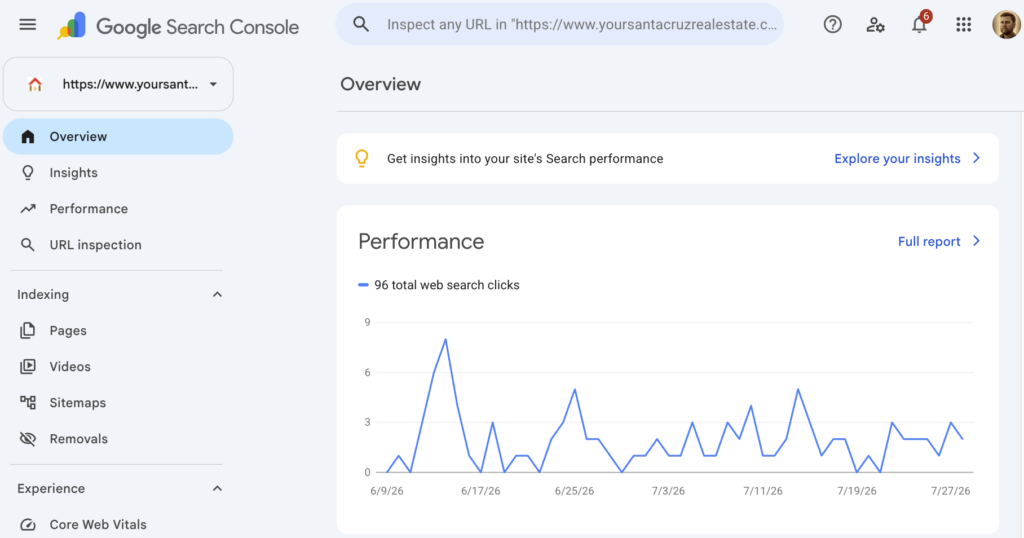
Connect Instagram to Google Search Console
1. Open Search Console
Go to search.google.com/search-console and sign in.
Pick your Google account carefully here. Whoever owns this login owns the data. If you have a team account you’ll eventually want reporting under, use that one now rather than migrating later.
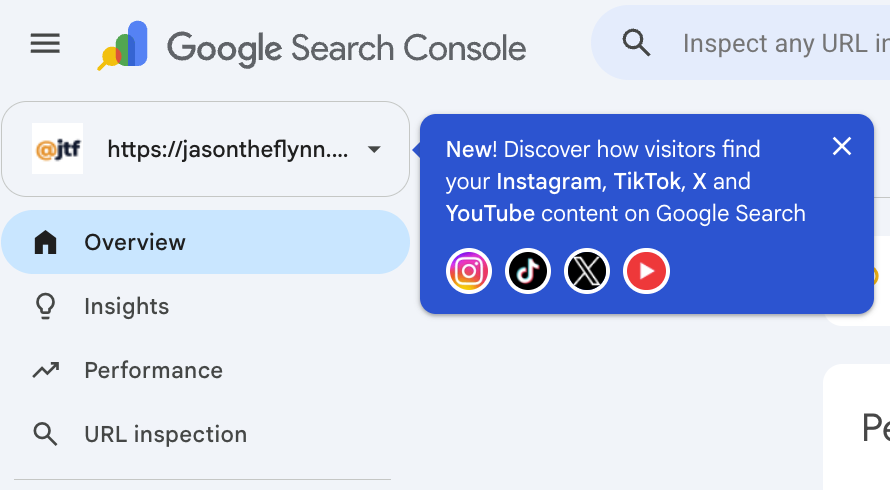
2. Open the property selector, then choose Add property
Top left dropdown. If you’ve never used Search Console, you’ll land on the welcome screen instead, which offers the same thing.
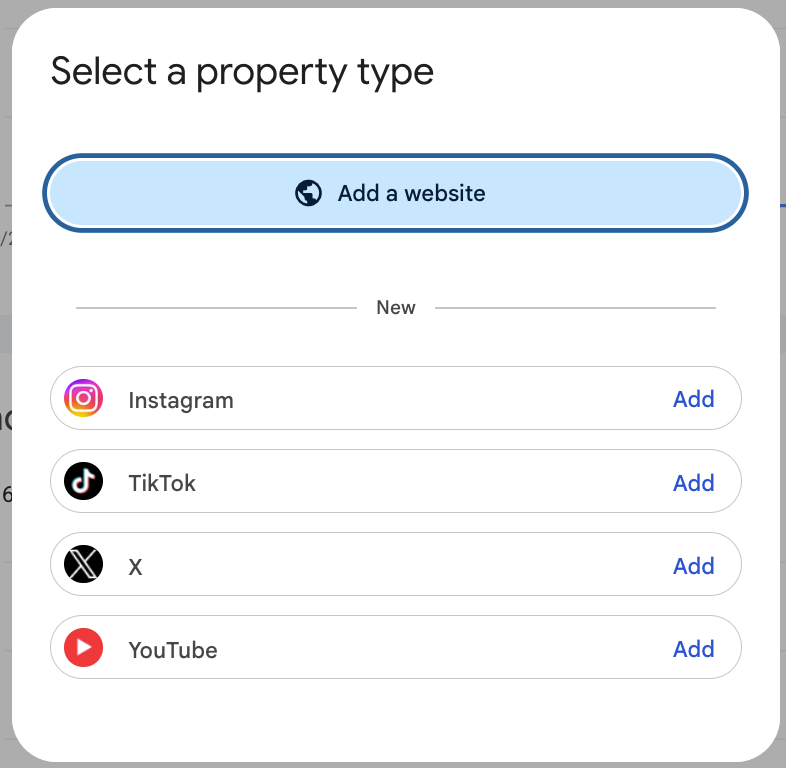
3. Pick Instagram
You’ll see “Add a website” at the top, then a section labeled New with Instagram, TikTok, X and YouTube listed underneath. Hit Add next to Instagram.
4. Authorize the connection
Google sends you over to confirm you control the account. This is an account authorization, not a DNS record or an HTML file upload, so you need to actually be logged in as the account holder. If your assistant runs your Instagram, do this part sitting next to them.
5. Wait
You’ll get a message saying Google is processing your data and to check back within 48 hours. That’s normal. Nothing is broken.
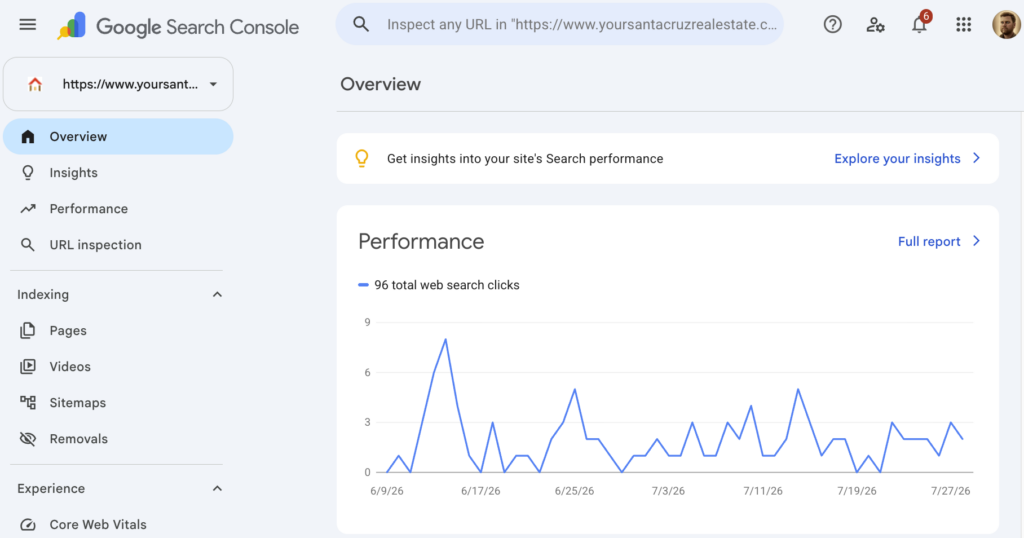
If you also post to TikTok, X or YouTube, run the same path for each. They’re separate properties, so you’ll repeat the process, and each one gets its own reporting.
What shows up after 48 hours
Three reports.
Performance is the one you’ll live in. Clicks, impressions and the queries themselves, filterable and sortable by individual post and by query, with an export button when you want to pull it into a sheet.
Insights is the readable version. Your top content, the queries leading people to your account, and top countries.
Achievements tracks milestones inside trailing 28 day windows. Fun, not load bearing.
What it will not show you
This is search data, not engagement data. It won’t show likes, comments, shares or follower counts. It covers Google Search, Discover and News, so it isn’t measuring in-app reach, Explore, or hashtag traffic.
It also has no real history behind it yet. Treat the first couple of weeks as directional and wait for a month of data before you make decisions off it.
I’d rather you know that going in than open it expecting a full analytics suite.
What to actually do with it
Three things, in order.
Find the queries that already work. You will almost certainly have posts pulling search traffic you had no idea about. Those are proven topics. Make more of them.
Look for the gap. Compare what you post about to what people are actually typing. Most agents post about the market and get found for neighborhoods, schools and process questions. If that gap shows up in your data, that’s your content calendar for the next quarter.
Track profile clicks from Google as its own number. Separate from reach, separate from follower growth. It’s the closest thing Instagram has ever given you to a search ranking, and it’s the number that compounds.
Set it up today
Most agents will read this and not do it. That’s fine. That’s most of the reason it works.
Two minutes now means that in 90 days you aren’t guessing where your traffic came from. You’re just reading it.
Like this? Get the next one.
The AI plays I'm running, a couple times a month. Free.